
How to install a DoHonest wireless backup camera
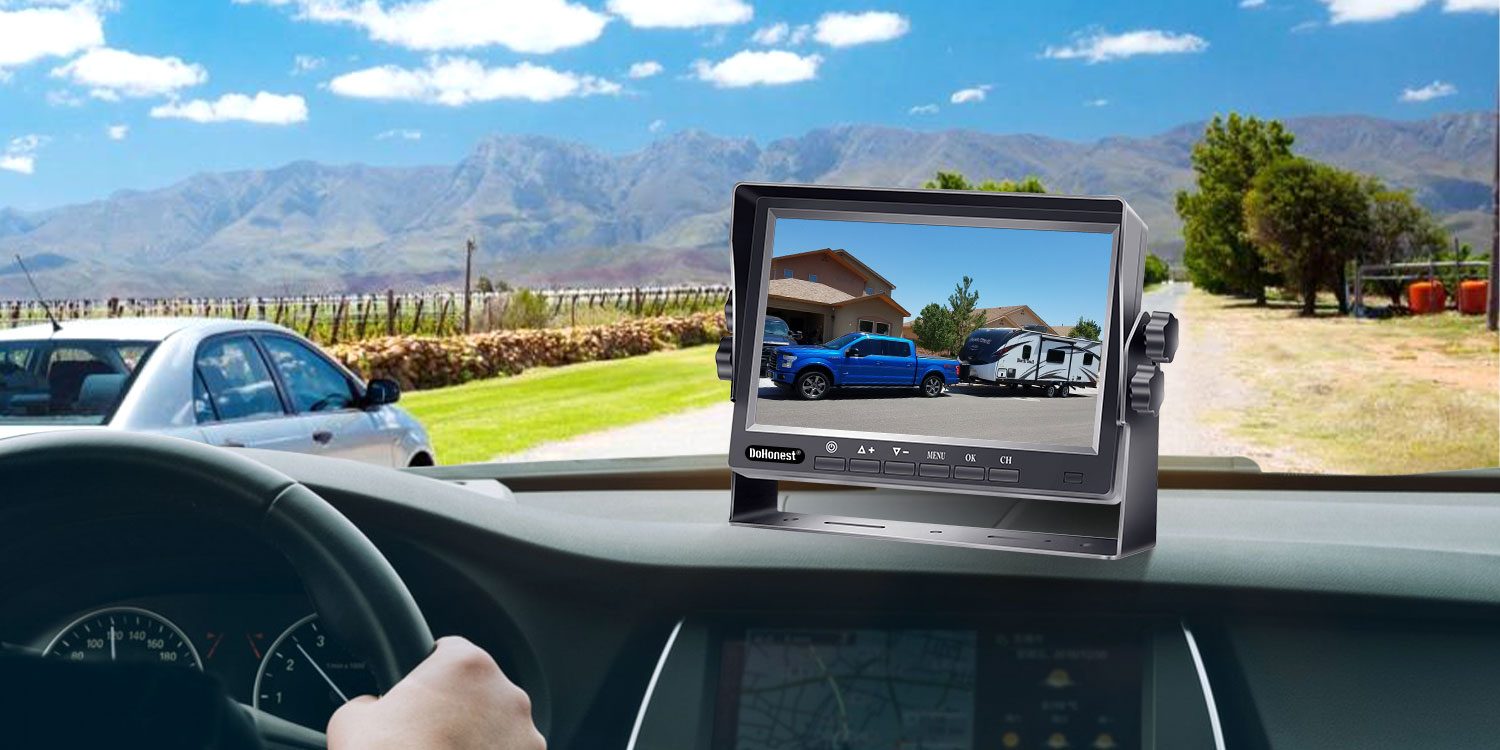
Installing a DoHonest backup camera takes either three minutes or thirty, depending on which camera you own. Here is how we would do both — the cordless R50 that sits on magnets, and the V29 that lives on the license plate.
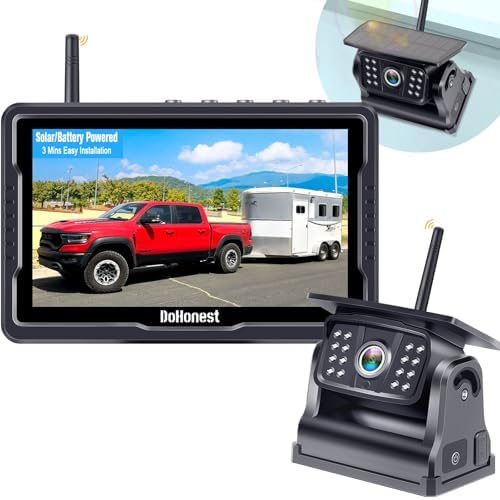
R50 Solar Magnetic
Cordless camera on six magnets, 5-inch monitor, solar and battery power. $99.99 · 4.3 of 5.
Before you start
Charge the R50 camera fully the night before (about 5 hours on the Type-C charger). For the V29, find the reverse-light wires: open the tail light housing on the license plate side and look for the bulb that lights up when you shift into reverse. Keep the instructions from the box nearby — the QR code links to a short video.
R50: the three-minute install
- Wipe the steel surface where the camera will sit — tailgate, trailer frame or the back wall of a camper.
- Set the camera down; the six magnets snap it in place. The rubber base protects the paint.
- Press the suction mount onto the windshield or dashboard and set the 5-inch monitor on it.
- Plug the monitor into the cigarette lighter or a USB port. The camera image appears within seconds.
- Angle the camera so the bumper edge shows at the bottom of the screen — that edge is your distance reference.
V29: wiring the license-plate camera
- Fix the camera bracket behind the license plate with the plate screws.
- Connect the red lead to the reverse-light positive wire and the black lead to ground, using the connectors in the box.
- Mount the 7-inch monitor and power it from the car charger or USB.
- Shift into reverse: the rear view switches on. If it doesn't, check the positive lead first.
- Set the DIY guide lines, brightness and image flip from the buttons on the back of the monitor.
Pairing a second camera
Both systems take a second camera on channel two. Mount it on the back of the trailer, power it, and follow the pairing steps in the manual until the second channel shows an image. On the V29, switch to split screen to see both cameras side by side.
Keeping the signal stable
The signal is strongest in a straight line. Keep the camera within about 36 ft of the monitor on the R50, or 30 ft of mounting distance on the V29, and avoid placing the monitor behind metal sun visors or tinted film with metal content.
The two we would choose between
R50 Solar Magnetic
Cordless camera on six magnets, 5-inch monitor, solar and battery power.
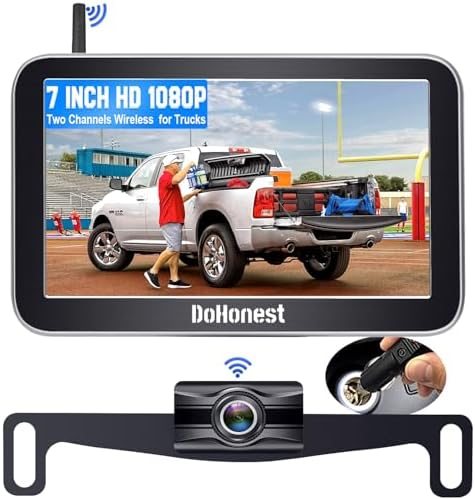
V29 7-Inch Split Screen
License-plate camera, 7-inch split-screen monitor, room for a trailer camera.